
Category: Editing Activities
-
Bulk Edit Training
The “Bulk Edit Training” feature allows you to manage existing workouts on athlete calendars: Note: V.O2 also features Bulk Edit Your Athlete List tools, which are used for administrative tasks like deleting/removing athletes, updating their group assignment, or sending mass emails—not for editing the contents of their scheduled workouts.
-
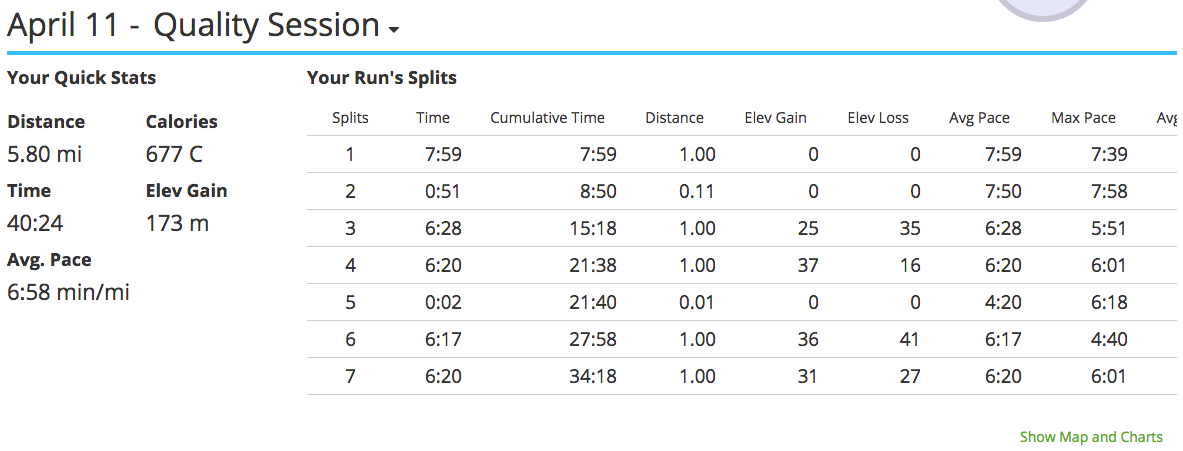
How To View And Edit GPS Data
To view or edit the activity once you’ve uploaded GPS data, select the event and modify the activity type. If you have a coach, your coach will see it labeled as the desired activity type. Save after you have updated.